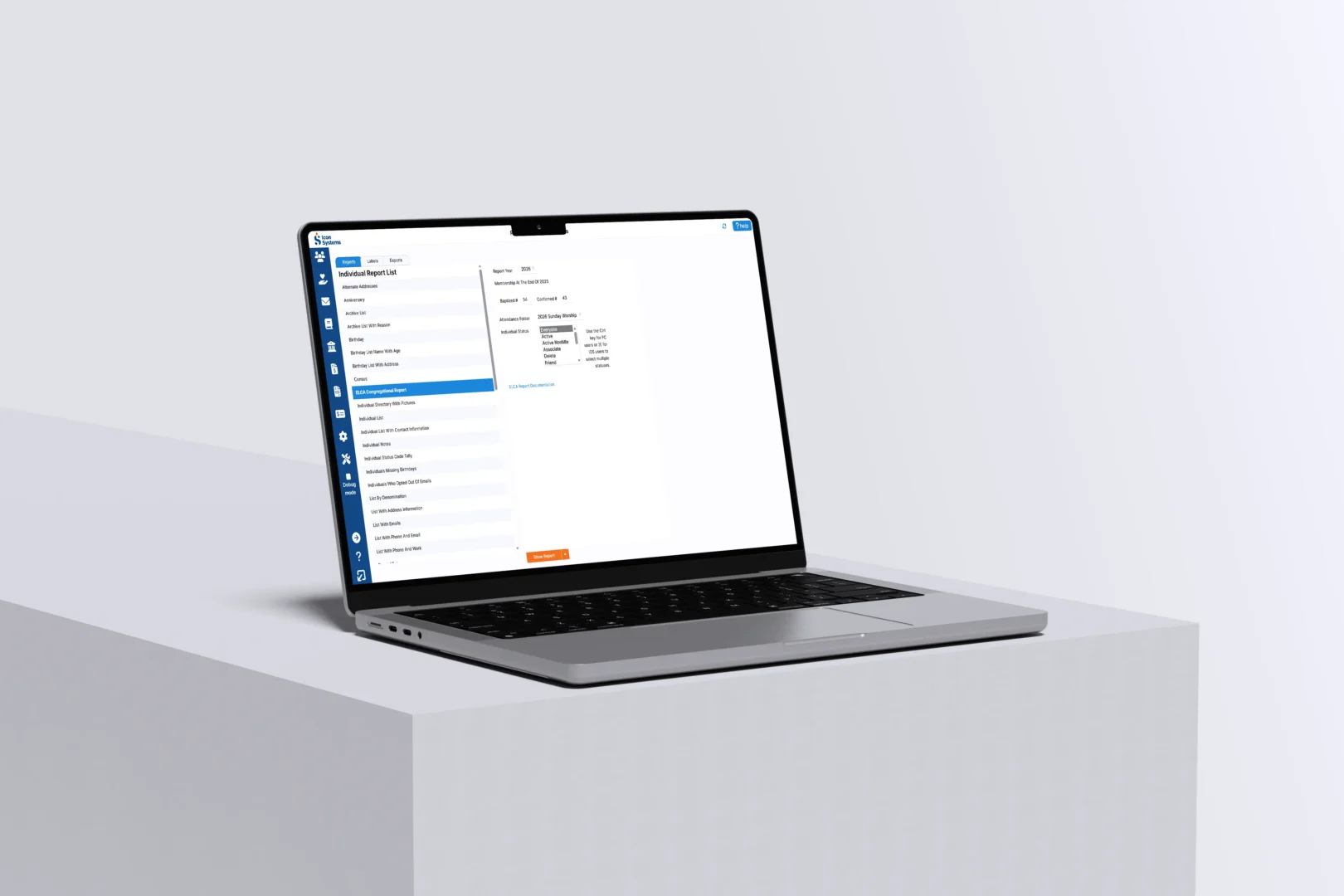
How To Set Up An Easy Login Button On The Church’s Website
Would you like to set up a church software easy login process for your church staff and members right on the church’s website? If so, keep reading and let us show you how easy it is with Icon Systems’ Easy Login Button process.
Setting Up The Easy Login Button Process On A Website
Use these simple 2 steps to put the Icon Systems login on your church’s website
1. Figure out where you want your users to find the button.
- You can find space on an existing page of your website.
- You can create a new web page on your website and name it ‘Icon church software’. If you choose this option, you will want to create a link from your main page to the new page so that your users can easily find it.
- Enter the code you see to the right, but replace the ‘5555555555’ text with your church’s phone number on the newly created web page or your existing page where you want the button positioned.
2. Before moving on, try these two tests.
- When the button is clicked, it should take you to Icon Systems’ login page at ‘www.iconsystemsinc.com/login’ displaying your church name and logo and omitting the field to fill in the church phone number. Your button should work exactly like the one to the right.
- Next, enter the username and password on that screen and see if you can log in. If not, it’s more than likely you used the wrong phone number, username, or password for your church’s database.
Click me to test where I go!

That’s It!
At this point, you should have a church software easy login button that people can click, then enter their credentials – logging them into Icon Church Management. Or you should have a link from your home page going to a new page called ‘Icon church software’. On the Icon church software page, you should have the “easy login” button that people can click to log in to Icon Church Management. A new ‘Icon church software’ page can include additional resources to support staff and church members with the Icon Systems software we mentioned above.
Church Software Programs — The 4 W’s!
Church Software Programs Introduction Church software programs specialize in reducing costs for church operations and help to grow the
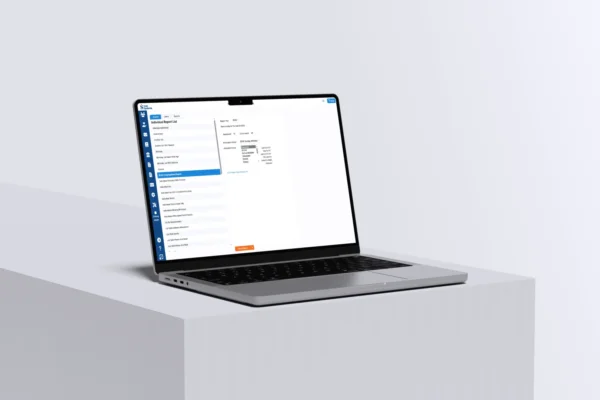
Software for iPad and Android Tablets
A full version of the Icon Systems church software can be accessed on the iPad & Android tablets through our

Check Out These Awesome Church Software Resources
Church Finance 101 Get the eBook series that explains everything a church needs to know about recording donations, gifts in

Simple to Use Church Software
Donations Integrate with membership, pledges & accounting. Powerful, easy-to-use contribution module. Integrate with eGiving platforms like Vanco payment processing. Track
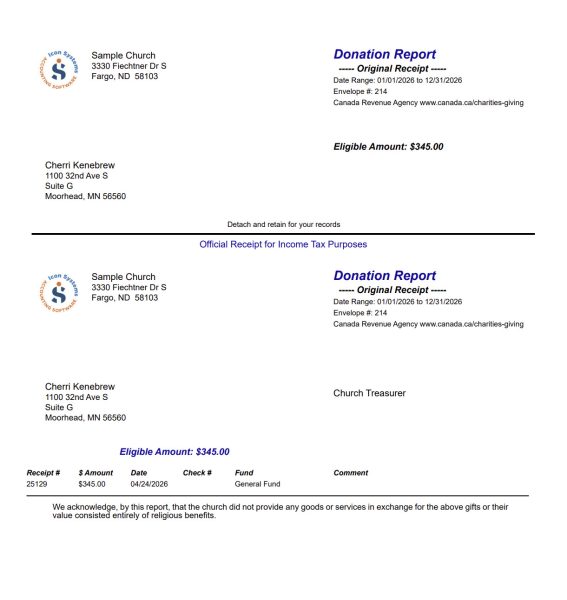
Charitable Donation Receipt Requirements
Icon Systems online church management software meets all of these Canadian CRA requirements. Name and address of the charity Unique
Fund Accounting for Church Leadership
Fund Accounting for Church Leadership Accounting is an often overlooked section of church management. All too often, little or no