Did you know there’s a nifty little shortcut that can be used when entering dates in IconCMO? It’s not new, but a lot of people don’t know about it.
Today’s date gets filled in by default. But when you are using a date other than the current one, it can sometimes be tedious to type the date in a MM/DD/YYYY format every single time.
Use this shortcut to enter dates into the correct format quickly and without difficulty:
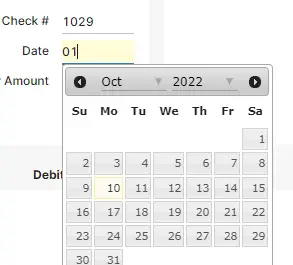
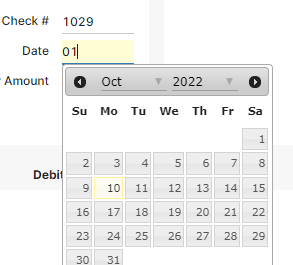
If the date is in the current month, type date in a DD format like this and hit tab:
OR if the date is in another month, type the month and date in a MMDD format like this:
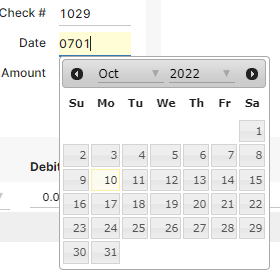
It automatically fills in the month, year, and slashes in the correct format:
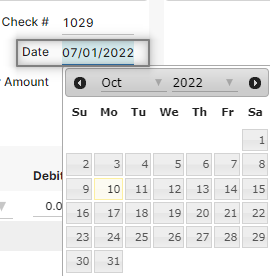
This shortcut works almost anywhere you have to type a date in the system:
- Membership (e.g. status date, birthday)
- Donations (e.g. batch date, giving date)
- Accounting (e.g. check writing, journal entries)
- Specifying date ranges on reports
Onomatopoeia courtesy of cybergedeon