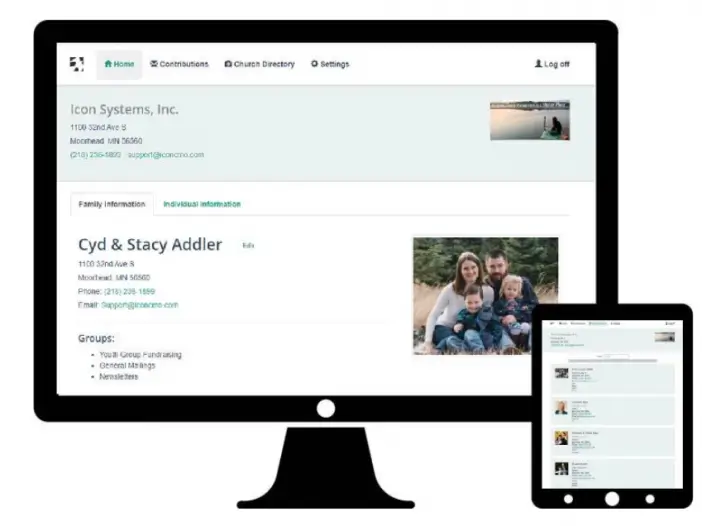
Let’s face it – printed directories can be a pain. People’s lives are always changing. Therefore their phone numbers, addresses, and email addresses change often. The printed directories that church staffers create can feel outdated quickly. Often by the time the directory gets into the hands of the members some thing has changed.
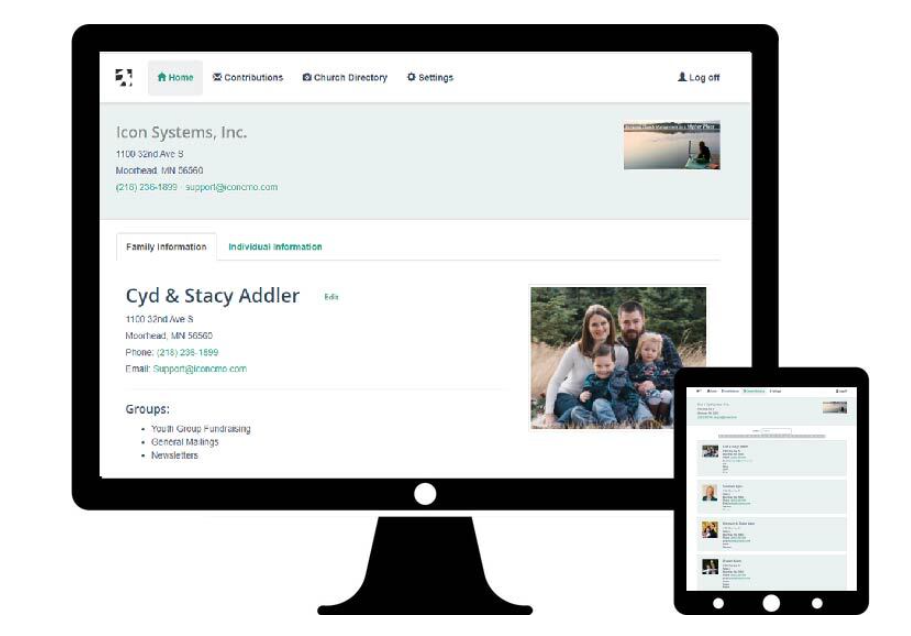
Not to mention, printed directories take time to make and use up a lot of paper and printer ink. You can have directories made professionally, but that can get quite pricey.
Then, as changes occur between printings, often the only way to keep people updated about changes is to print updates in church bulletins.
And what about the new comer who gets a three-year old picture directory from before dozens of membership changes occurred, before toddlers became preschoolers, before ten or so young adults moved into homes of their own?
Online directories offer a better option for churches.
Consider the advantages of an online directory.
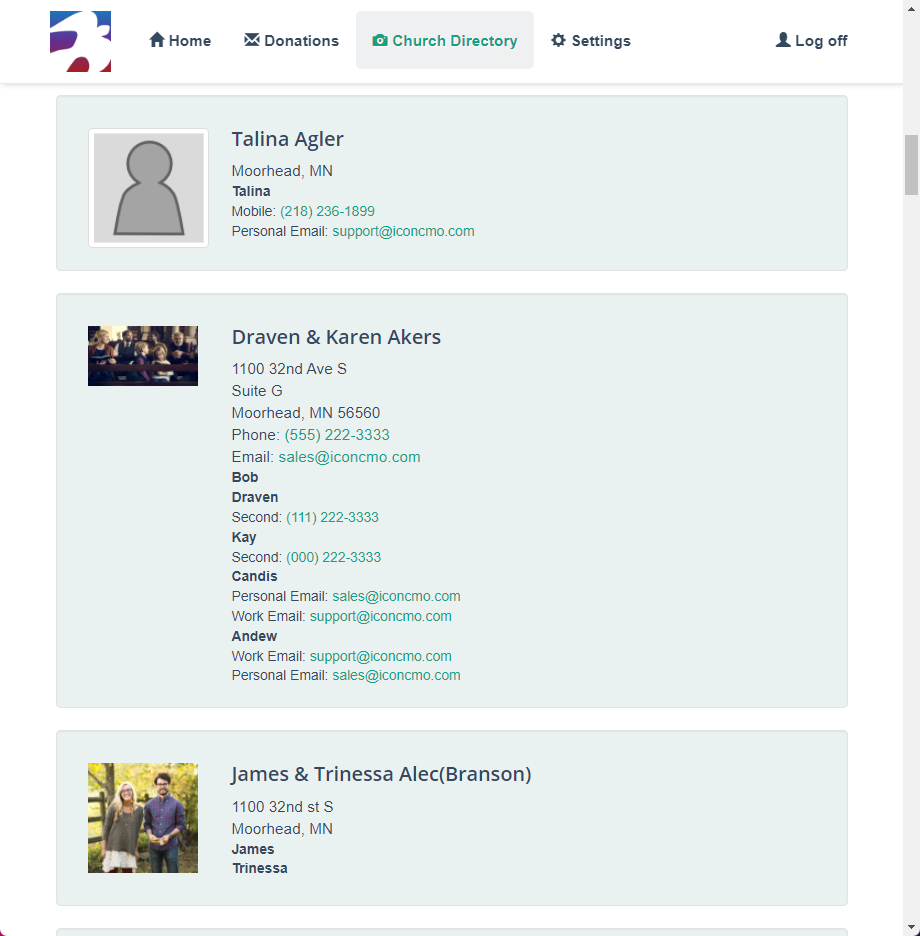
- With an online, web-based directory like the one in your IconCMO account, you can easily update the directory as changes happen, so that members can always view an updated, accurate picture directory.
- You can give members the ability to enter and update their own information, relieving some of the work and stress on the church staff.
- As new members become part of the church community, you can use existing pictures or take new ones at any time to import into their family file, making it easier for the current membership to look them up and remember their names and info.
Giving members access through the member’s portal
The first step is to give members access to their own member portal log in.
- The members first need to have email addresses recorded in the system. You can grant access to a household with a single login if the email address is recorded in People: Households. Likewise, you can grant access to each Head of Household (i.e. responsible adult) within a household, if the email addresses are recorded under People: Individuals.
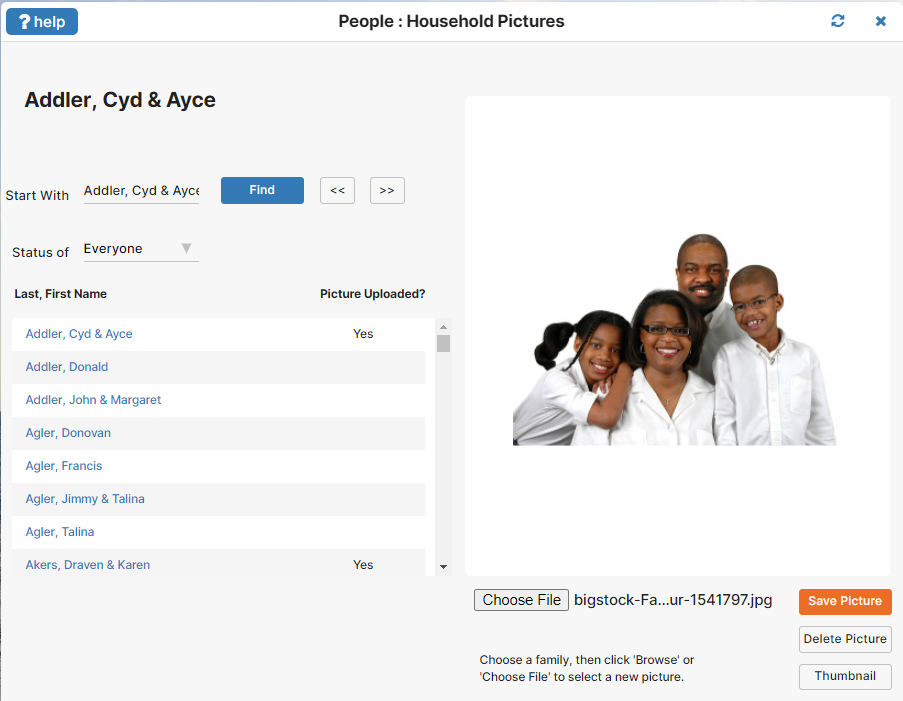
- If you want to include member pictures on the directory, you can enter these by going to People: Households. Click the Picture button at the bottom of the Households screen. Here, select a household and click “Choose File” to locate pictures saved on your device for that household. When you find the one you want, click “Save Picture” to add to their profile and the online picture directory.
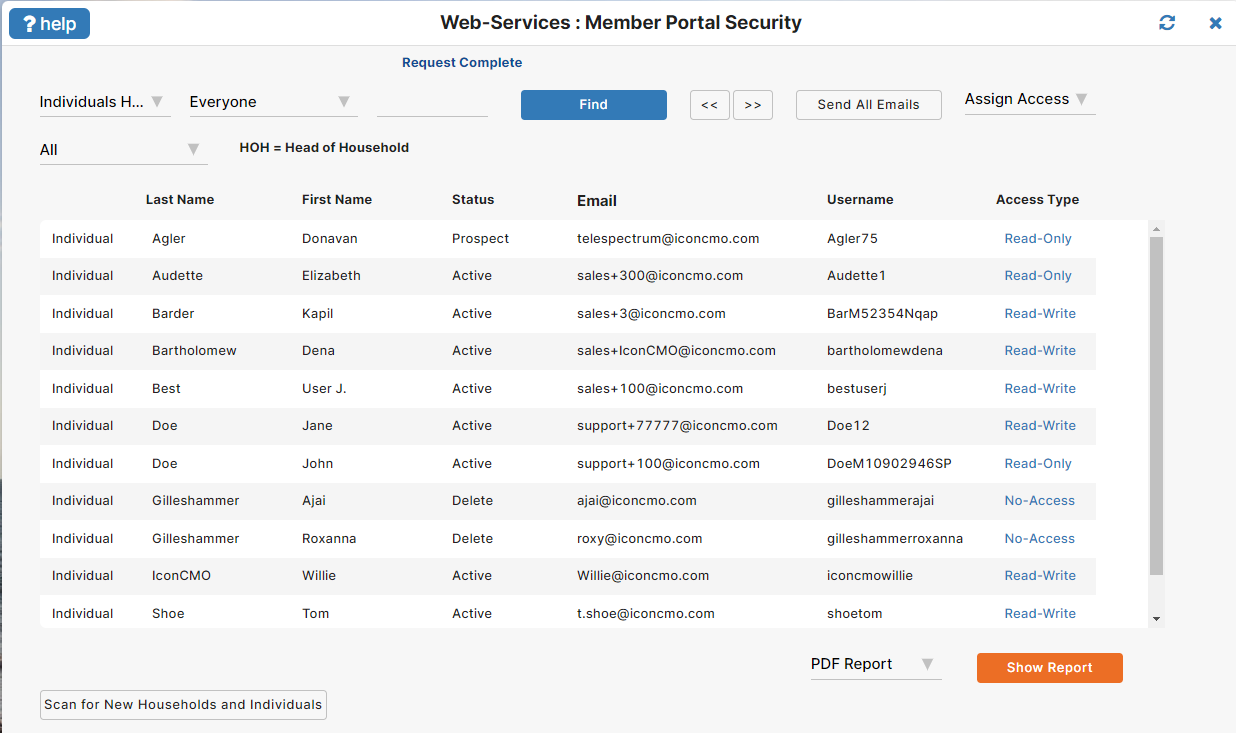
- Go to Web Services: Setup: Member Portal Security and look up the users you want, and click on their Access Type to change it from “No-Access”. If you give them “Read-Write” access, you are granting the ability that allows them to change their own contact information; if you give them “Read-Only” access, they cannot.
- Then, click “Send Email” to send an email to the person or people you just changed access for. The email will give them the church’s phone number, a username and a password. This is their login to access the member portal. The first time through – when you’ll likely be changing and emailing much of the membership – you can click “Send All Emails” to send emails to everyone who’s been given access. Or if you are just changing one person’s access, use the “Send Email” button on the bottom.
Log Into the Member Portal
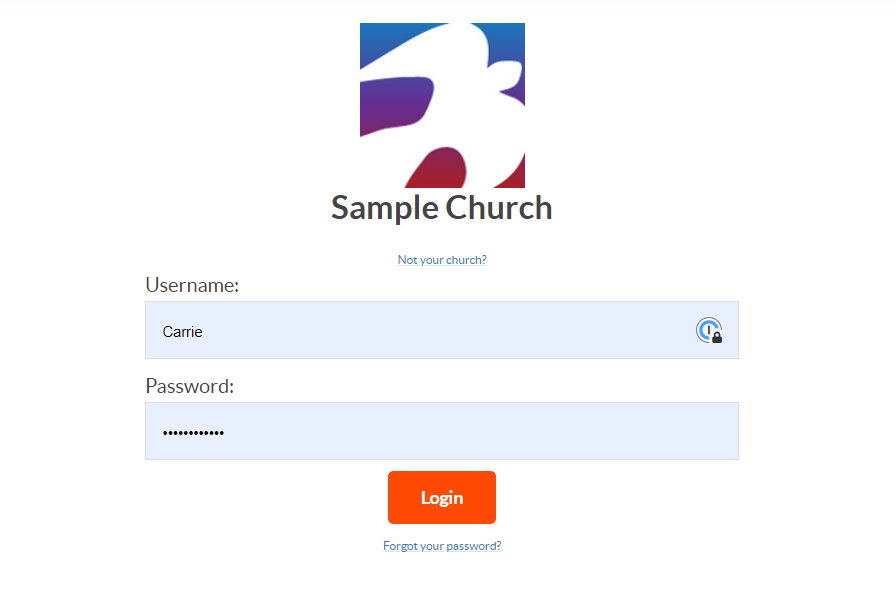
To log in, the members will go to the same place on the IconCMO website that regular users log in. Or, the church can make it easier for them by putting a link on the church’s website. For example, putting a button on the church’s website that goes to the login page (see next section.)
Once logged in, members can use the buttons near the top of the window to review their own member, household and donation information, change their own username and password in “Security Settings”, and of course to view the online directory.
Easy Website Login to the Online Directory
That’s one way members can get into the online directory in the Member Portal. For an easier and more integrated presentation, you can add the Easy Login button on your church’s website. You’ll find that this version of the login page can include your logo to make a more integrated interface. To check out this option and see instructions, follow this link to our webpage.
The IconCMO online picture directory is just one more way that the IconCMO church management solution helps churches achieve efficient, convenient communication. It’s a valuable tool for church members. Additionally, it frees the church staff and leaders to spend more time doing what’s most important to them – ministering to people.