How do you handle group communications when you have a last-minute cancellation?
With IconCMO, we have simplified the process of reaching out to your members using group communication. You can send a group email to the parents of preschoolers reminding them to bring egg cartons for a Sunday School project, or remind your Youth Group of an upcoming retreat with a text, all with just a few clicks in the system.
The group module is used to create groups of members or households, send text messages to group members, email members of a group, create events for a group and maintain group event attendance. This tutorial will walk through sending text messages and emails.
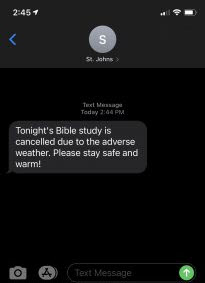
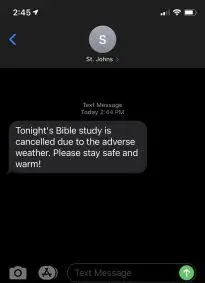
As an example, we get several blizzards a year in our area. This year seems to be worse than most. They have led to several cancellations of scheduled events. Here’s two ways to use IconCMO to communicate to your church members when the unforeseen happens.
Texting a group
In order to send a text message to a member, the Individual record must contain a cell phone number with the provider selected. If no cell phone provider is selected, a message cannot be sent in the correct format for the member’s phone to receive the text message. For more information on setting up membership preferences, please view our Membership Setup Guide.
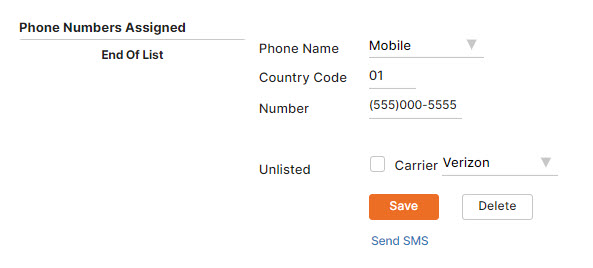
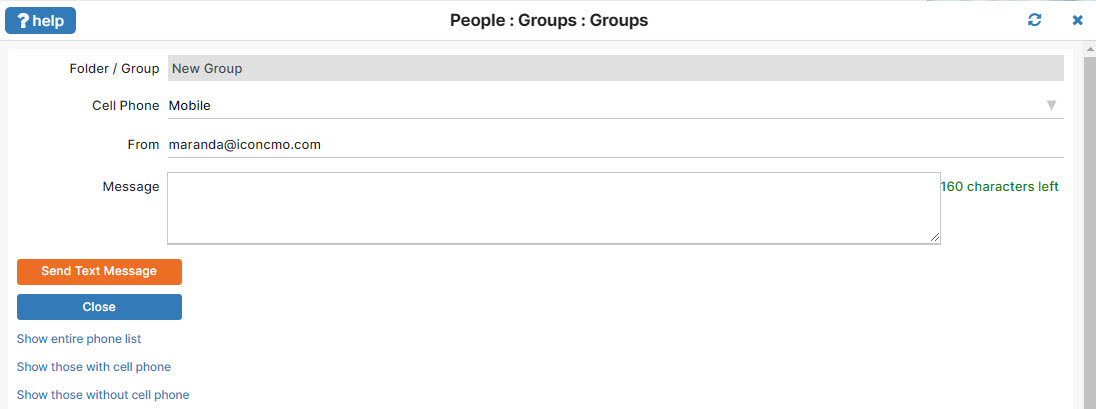
Go to People: Groups and select the group you are sending the text message to. Next, click the Text Message button. Enter the message you want to send as a text in the next screen, pictured below. Make sure to keep it brief. Then click Send Text Message.
Emailing a Group
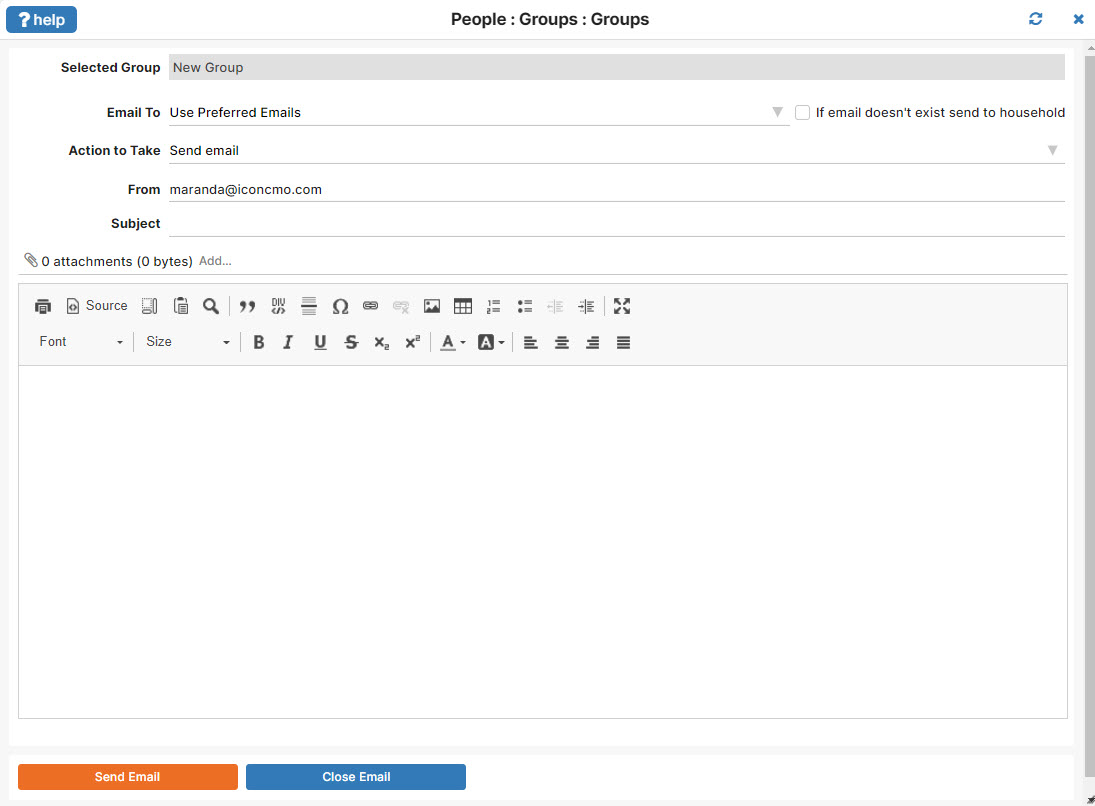
First go to People: Groups and select the group you want to email and click Group Email. When sending an email you can include attachments or print labels for group members without email addresses.
To view a report of the emails that were successfully sent, go to to the Groups window and choose ‘Group Reports’ at the bottom of the window. Next, select the report Email Status and select the email date, then click show report.
Additional Email Options with our Partners
Our partnership with Constant Contact allows you to export email lists for access to professional templates, personalization features, and email statistics.