Smarter Accounting Software. Sign-up for a free trial, no credit card needed!

Create Recurring Donation Batches in IconCMO

Create Recurring Donation Batches in IconCMO

eft-donations-church-software

Did you know that you can create a batch of recurring transactions? After a recent focus meeting, we’ve discovered that […]

Did you know that you can create a batch of recurring transactions? After a recent focus meeting, we’ve discovered that many organizations using IconCMO are unaware of how to duplicate batches.

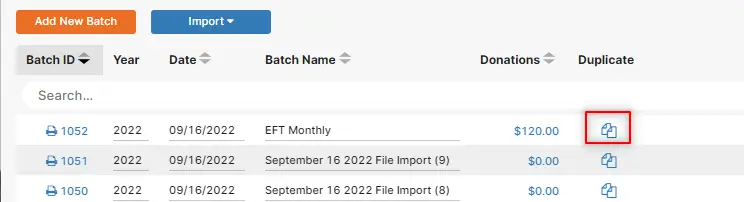
It’s a handy tool that can save you a lot of time. Here’s how it works:
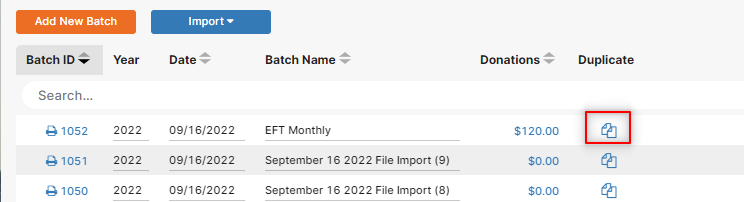
shows icon for duplicating a donation batch

Once the duplicate icon is clicked a sub-screen comes up like the one below.
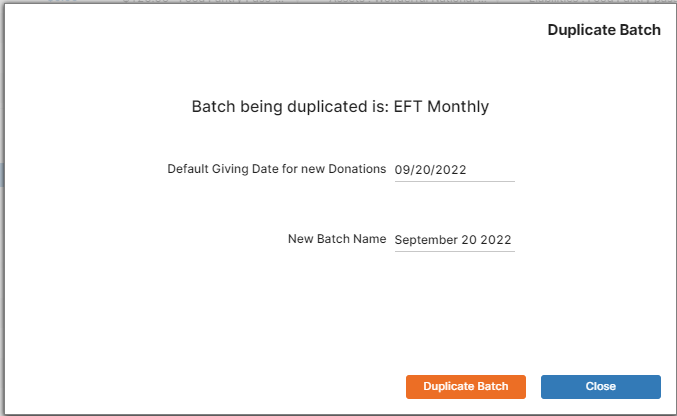
duplicate sub-screen batch

Once you fill in the default given date and the batch name, you will see the duplicated batch like this.
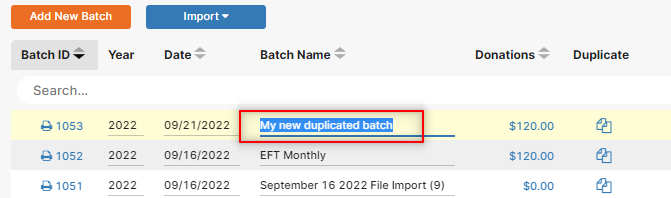
 

Worldline & Vanco Online Giving Import:

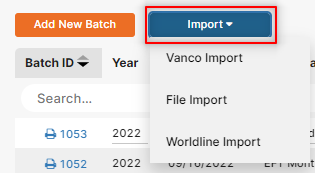
IconCMO can auto-import EFT donations from both Wordline and Vanco. If you’re interested in setting up an integration please contact our support staff for additional information and import instructions.
Not using IconCMO?

Find out more about our advanced, all-in-one church management software IconCMO.
Browse Related Content

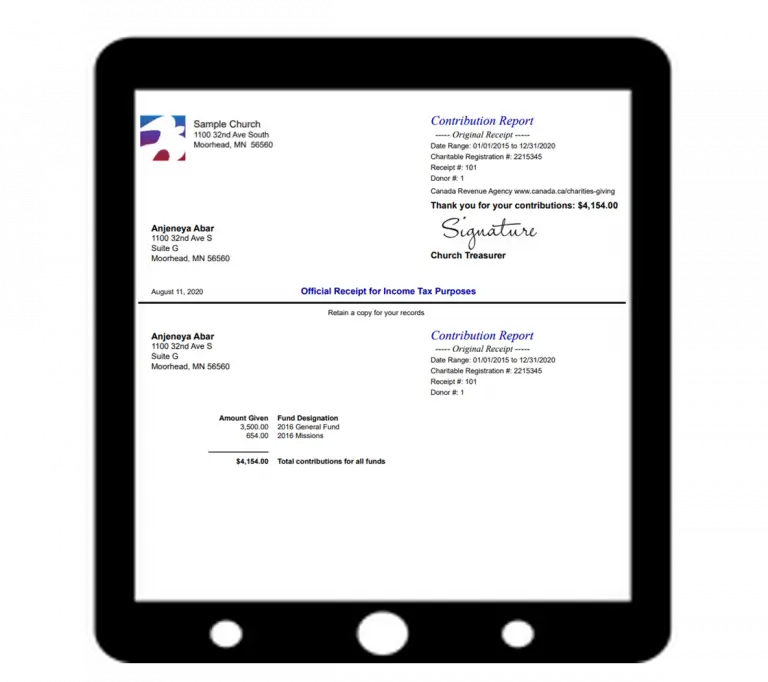
Name and address of the charity Unique serial/receipt number Registration number Electronic signature of charity CRA web address Name and […]

Why Do Churches Need Donation Software? We will explore the many reasons ‘why’ churches need church donation software. It goes […]

Charitable giving and church software go hand in hand. When a charitable donation is received, the nonprofit organization must record […]

Having trouble logging in? Please call or email us.

Church members must contact the church directly for login assistance.
Make sure to use a recent version of Chrome, Firefox, Safari, or Edge.

Scroll to Top